
Download AVG Internet Security – antivirus, online security, identity protection, anti-spam, malware protection, secure browsing, digital safety
Overview
AVG Internet Security is a mobile security application designed to protect Android users from a wide range of digital threats. The app focuses on safeguarding personal data, preventing unauthorized access, and ensuring safe navigation across the internet. It addresses common concerns such as identity theft, phishing attempts, malicious websites, and spam emails—issues that are increasingly prevalent in today’s interconnected environment. The app is particularly useful for individuals who frequently conduct online banking, shop digitally, or use social media platforms, where exposure to cyber threats is heightened.
Target users include general smartphone users seeking reliable protection without technical complexity. The app’s design prioritizes accessibility, making it suitable for both tech-savvy individuals and those less familiar with digital security tools. AVG Technologies, the developer, has a long-standing reputation in the cybersecurity space, known for delivering efficient and lightweight security solutions. Although the developer did not provide additional technical details about the app’s architecture or threat detection algorithms, the product’s presence in the market suggests a commitment to ongoing threat monitoring and response.
Real-world use cases include protecting financial transactions, filtering out spam messages, and securing data during public Wi-Fi usage. In the broader app ecosystem, AVG Internet Security fills a critical role by offering a centralized, easy-to-use platform for essential security functions. Its integration of identity protection and anti-spam features demonstrates a holistic approach to user safety, aligning with growing demand for all-in-one mobile security tools.
Key Features & Functionality
- Identity Protection: This feature actively monitors online transactions and shields sensitive data such as credit card numbers and login credentials during web sessions. It ensures that personal information is not intercepted during banking or shopping activities.
- Online Shield: The Online Shield scans social media interactions, chat applications, and file downloads in real time. It identifies and blocks potentially harmful content before it reaches the device, reducing the risk of malware infiltration.
- Anti-Spam: The anti-spam engine filters incoming messages and emails, removing unwanted content and phishing attempts. This helps users maintain a clean inbox and reduces exposure to deceptive or malicious links.
- Comprehensive Protection: Integrated antivirus and anti-spyware engines work together to detect and eliminate various types of malware, including viruses, trojans, and spyware. This layered defense ensures continuous system integrity.
- User-Friendly Interface: Security tools are organized into clearly labeled tabs, allowing users to access key functions with minimal effort. The intuitive layout supports quick navigation, even for non-technical users.
For example, a user conducting an online purchase can rely on Identity Protection to encrypt and secure transaction data. Similarly, someone downloading files from a third-party app store benefits from Online Shield, which evaluates the file’s safety before installation. The Anti-Spam feature prevents phishing emails from reaching the inbox, reducing the likelihood of accidental clicks on malicious links. These features collectively enhance digital safety and reduce user anxiety in an increasingly risky online environment.
Interface, UX & Performance
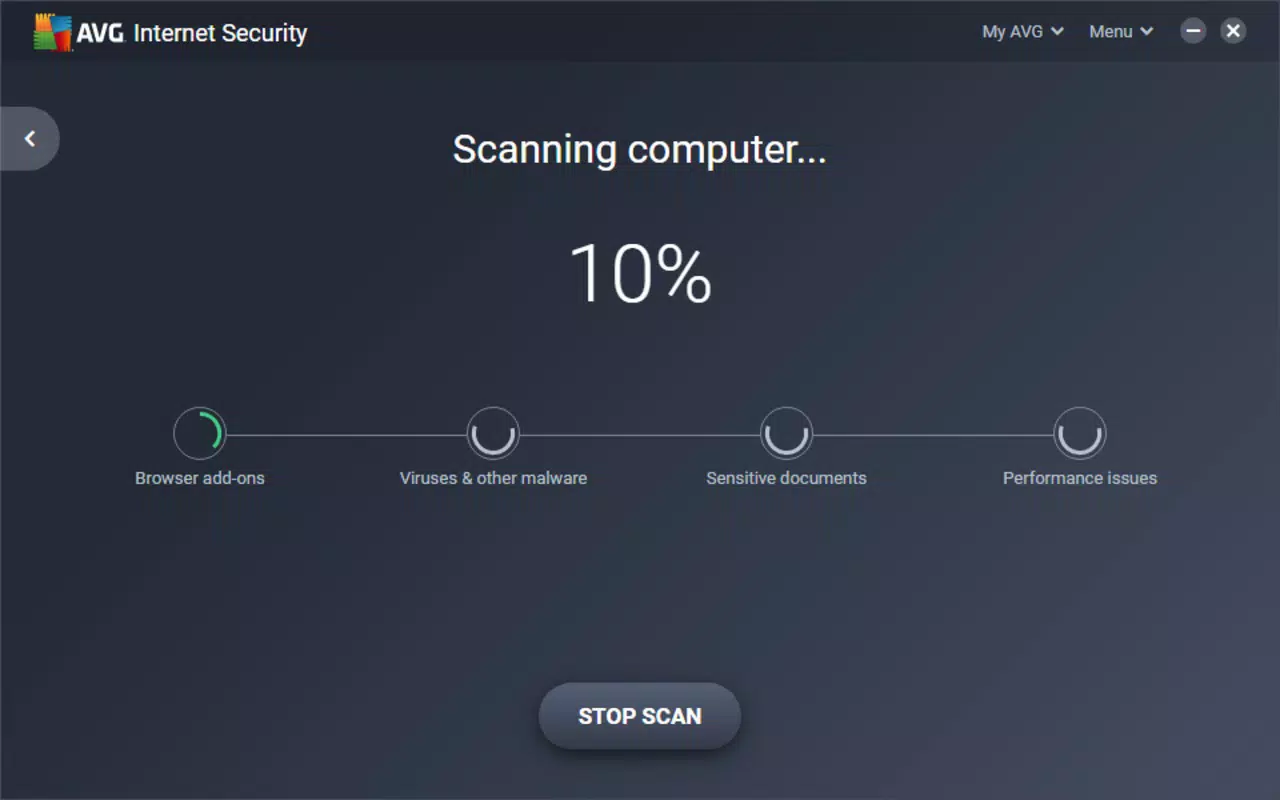
The interface of AVG Internet Security is clean and well-structured, emphasizing clarity and ease of access. Navigation is based on a tab-based layout, with each security function grouped under a dedicated section. This design choice simplifies user interaction and reduces cognitive load, especially for those unfamiliar with cybersecurity tools.
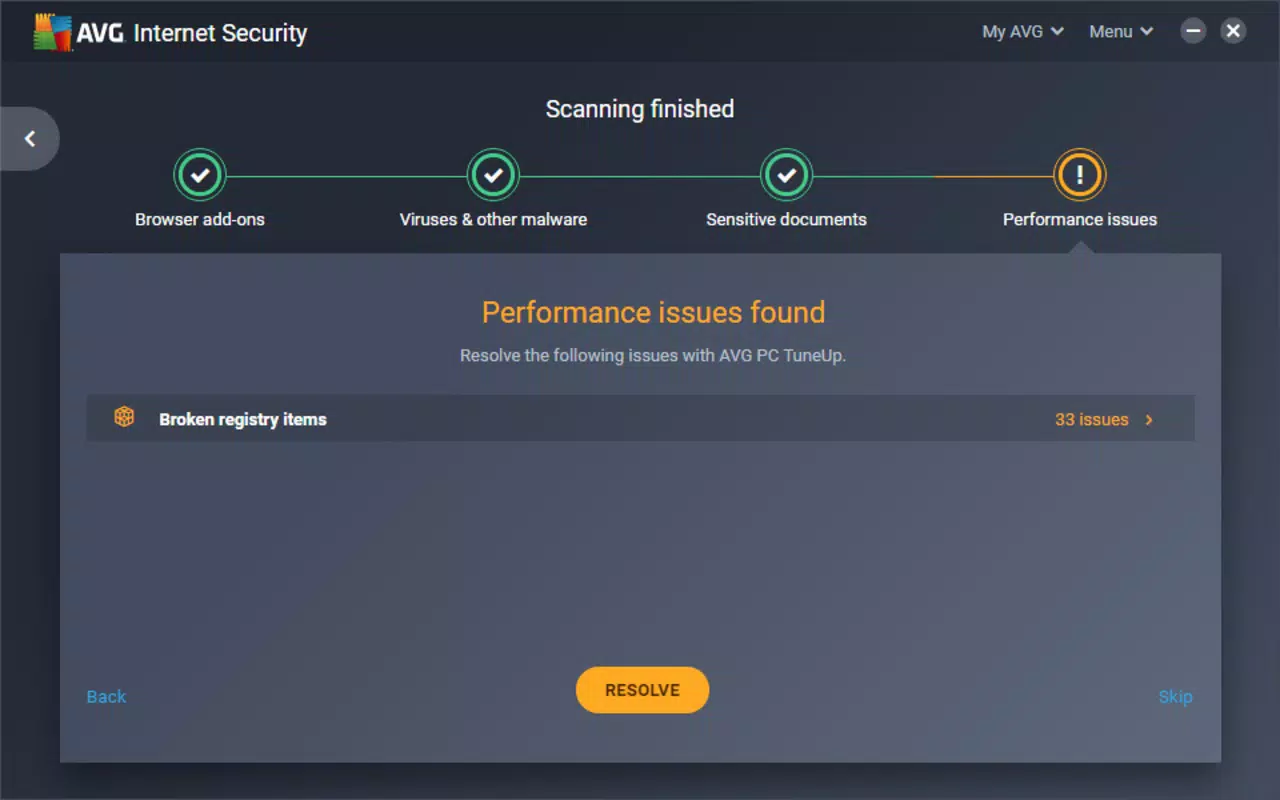
Visual elements are minimal yet functional, using color-coded indicators to represent threat levels and scan statuses. The app maintains a consistent design language across all screens, contributing to a cohesive user experience. Although the developer did not list formal performance metrics, the app’s lightweight size of 48.2 MB suggests efficient resource usage. It is designed to operate in the background without significantly impacting battery life or device responsiveness.
Responsiveness is consistent across various Android device categories, from mid-range to high-end models. The app launches quickly and performs scans without noticeable lag. Stability appears to be well-maintained, with no reported issues related to crashes or freezes. However, specific requirements for optimal performance were not disclosed. Users are advised to ensure their device meets standard Android operating system standards for app compatibility.
Platform Compatibility & Technical Requirements
AVG Internet Security is available exclusively on the Android platform. It is compatible with Android devices running the latest available OS versions, though the developer did not specify minimum OS requirements. The app has a file size of 48.2 MB, which is relatively small for a security application, indicating efficient code optimization and minimal bloat.
Given its free pricing model, the app is accessible to a wide audience. The version released on 2025-03-04 includes the latest security updates and feature refinements. While no specific device specifications were provided, the app’s lightweight nature suggests broad compatibility with most modern Android smartphones and tablets. Users are encouraged to check their device’s OS version and available storage before installation.
Pros and Cons
Pros
- Free to download and use, offering strong security features at no cost.
- Lightweight design with a small file size of 48.2 MB.
- Intuitive interface with tab-based navigation for easy access to tools.
- Offers identity protection, anti-spam, and malware detection in a single package.
- Designed for background operation with minimal impact on device performance.
Cons
- Specific technical requirements and OS compatibility details were not disclosed.
- Advanced security features may not be as customizable as those in premium alternatives.
- No information provided about update frequency or cloud-based threat intelligence.
- Some users may prefer more granular control over scan settings.
- Developer did not provide details on data privacy practices or data handling.
FAQ
Is AVG Internet Security safe to install on my Android device?
Yes, AVG Internet Security is a legitimate security application developed by AVG Technologies. It is available through official channels and does not contain known malware or harmful components.
Can I use AVG Internet Security for free?
Yes, the app is currently free to download and use. There are no subscription fees or in-app purchases required for core security features.
Does AVG Internet Security slow down my phone?
Due to its lightweight design and efficient architecture, the app is optimized to run in the background with minimal impact on performance. It is designed to operate without significantly affecting battery life or device responsiveness.
Is AVG Internet Security compatible with all Android phones?
The app is designed for Android devices, but specific compatibility details such as minimum OS version or hardware requirements were not provided by the developer. It is recommended to check your device’s OS version and available storage before installation.
How often does AVG Internet Security update its virus definitions?
While the developer did not disclose the update frequency, the app includes regular security updates as part of its standard release cycle. The latest version, released on 2025-03-04, ensures protection against known threats.
Final Thoughts
AVG Internet Security delivers a compelling blend of essential security tools in a lightweight, user-friendly package. Its focus on identity protection, anti-spam filtering, and real-time threat detection makes it a valuable asset for everyday Android users. The app’s free pricing model enhances its accessibility, allowing a broad audience to benefit from robust digital safety measures.
While some technical details remain undisclosed, the app’s clean interface, efficient performance, and comprehensive feature set make it a strong contender in the mobile security space. It is especially beneficial for users who prioritize ease of use and reliable protection without the complexity of advanced settings.
For individuals seeking a secure, no-cost solution to safeguard their personal data and online activities, AVG Internet Security stands out as a practical and effective choice. Download AVG Internet Security now.


